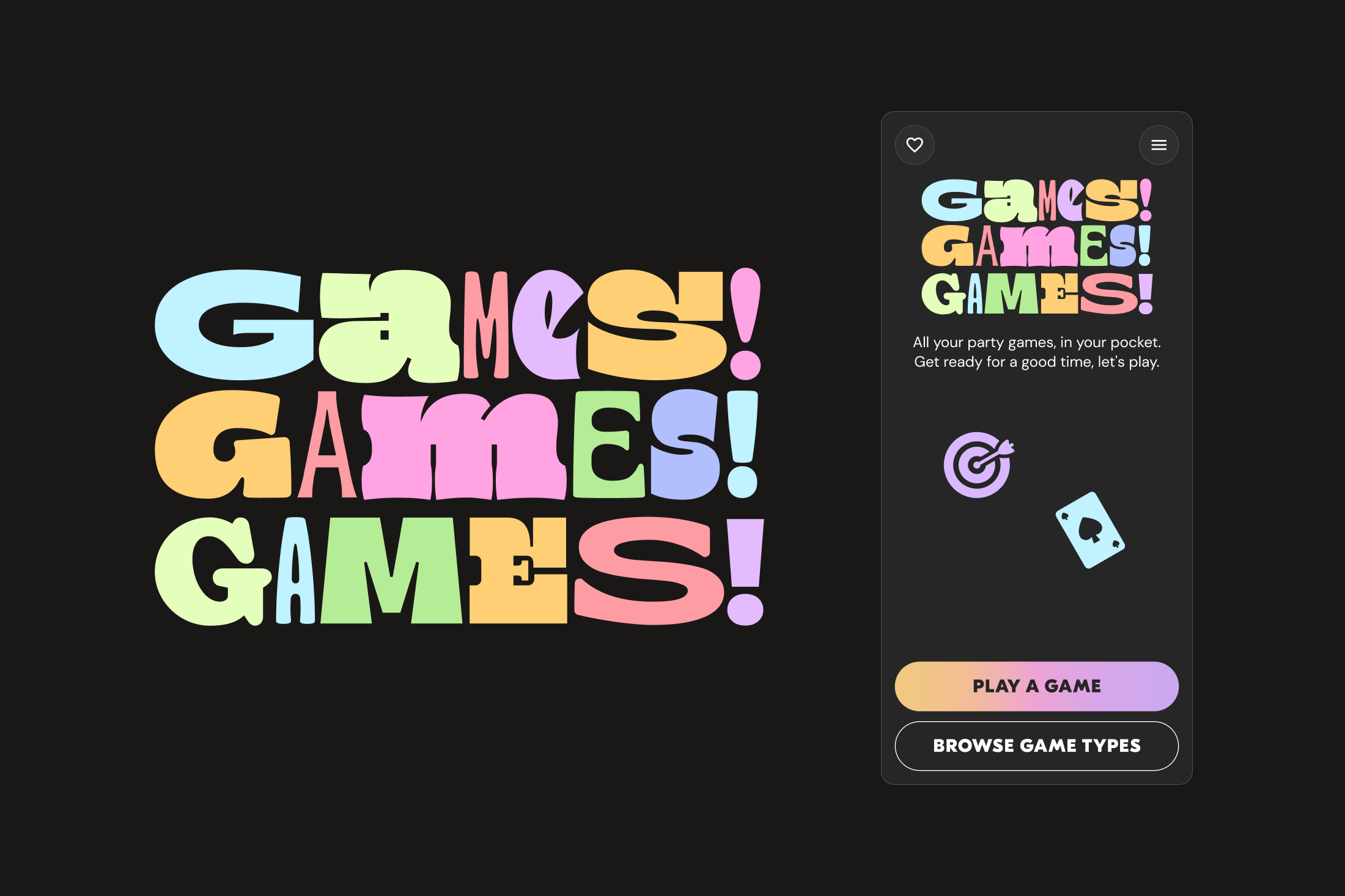
A Mobile Games App That Isn't A Mobile Game
Scope
Everyone loves a great game, and there's always down time. Designed to get people off their phones and engage for a fun night that nobody wants to end. I created a mobile-first app with 150+ games, designed in Figma and built with Claude Code. Every game includes a player count, run time, full rules, and an example to get you started. You'll run out of night before you run out of games.
Role
UX & Interaction Designer
Timeline
2 Weeks
Contributions
Claude Code
UX/UI Design
Usability Testing
Outcomes
2 rounds of user testing
Discover page added
Blind filtering eliminated
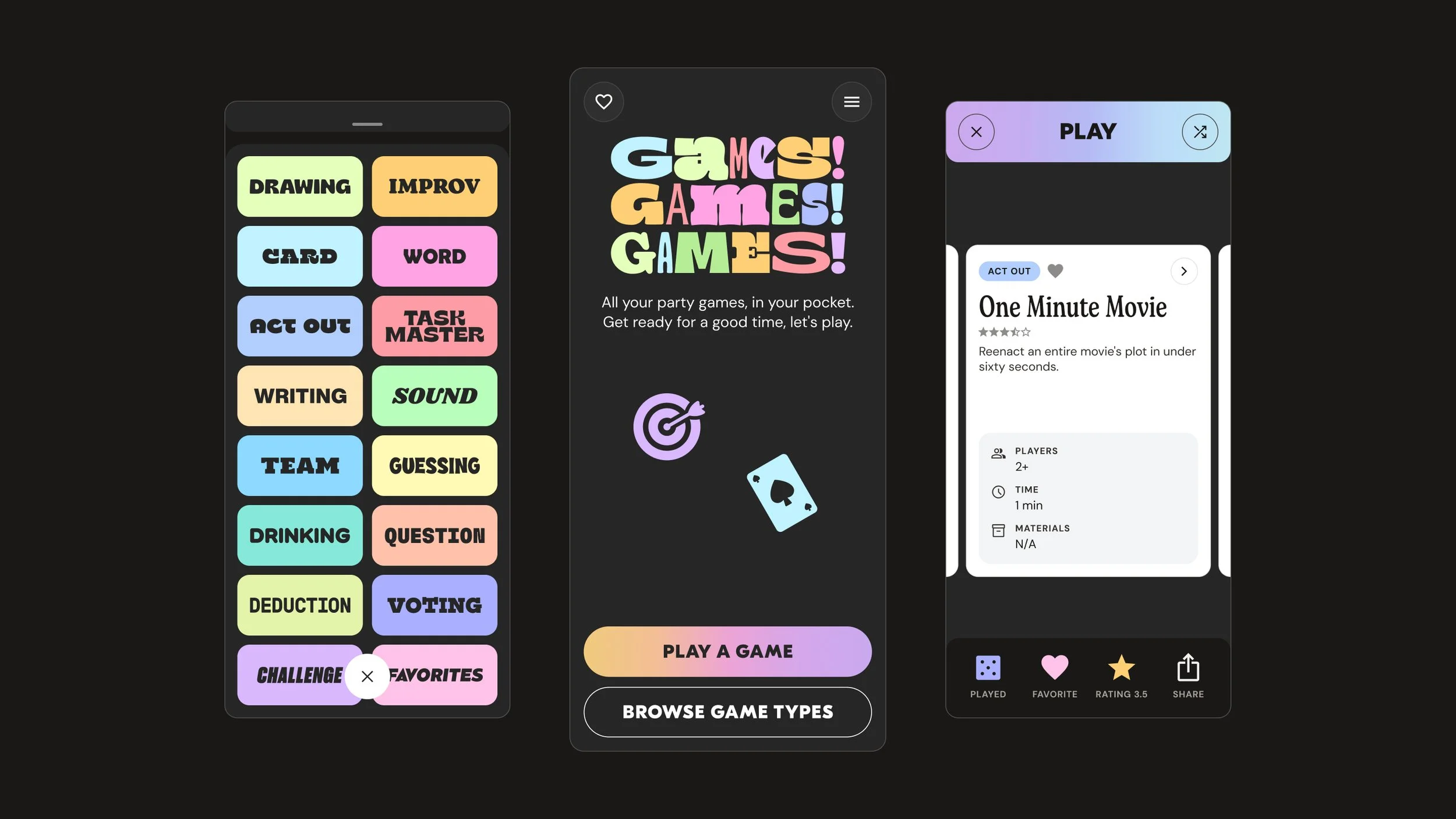
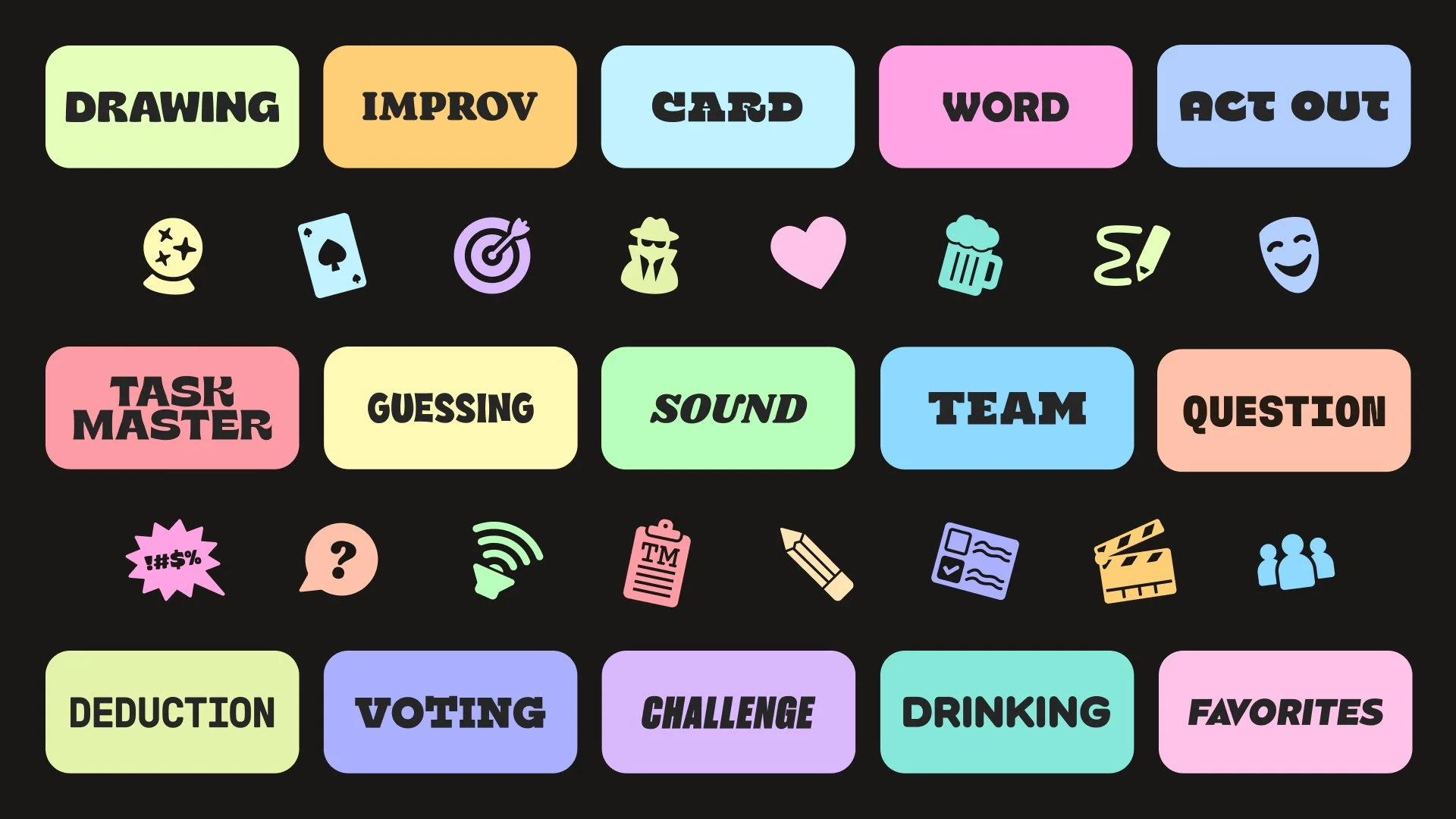
A Design System That Doubles As Wayfinding
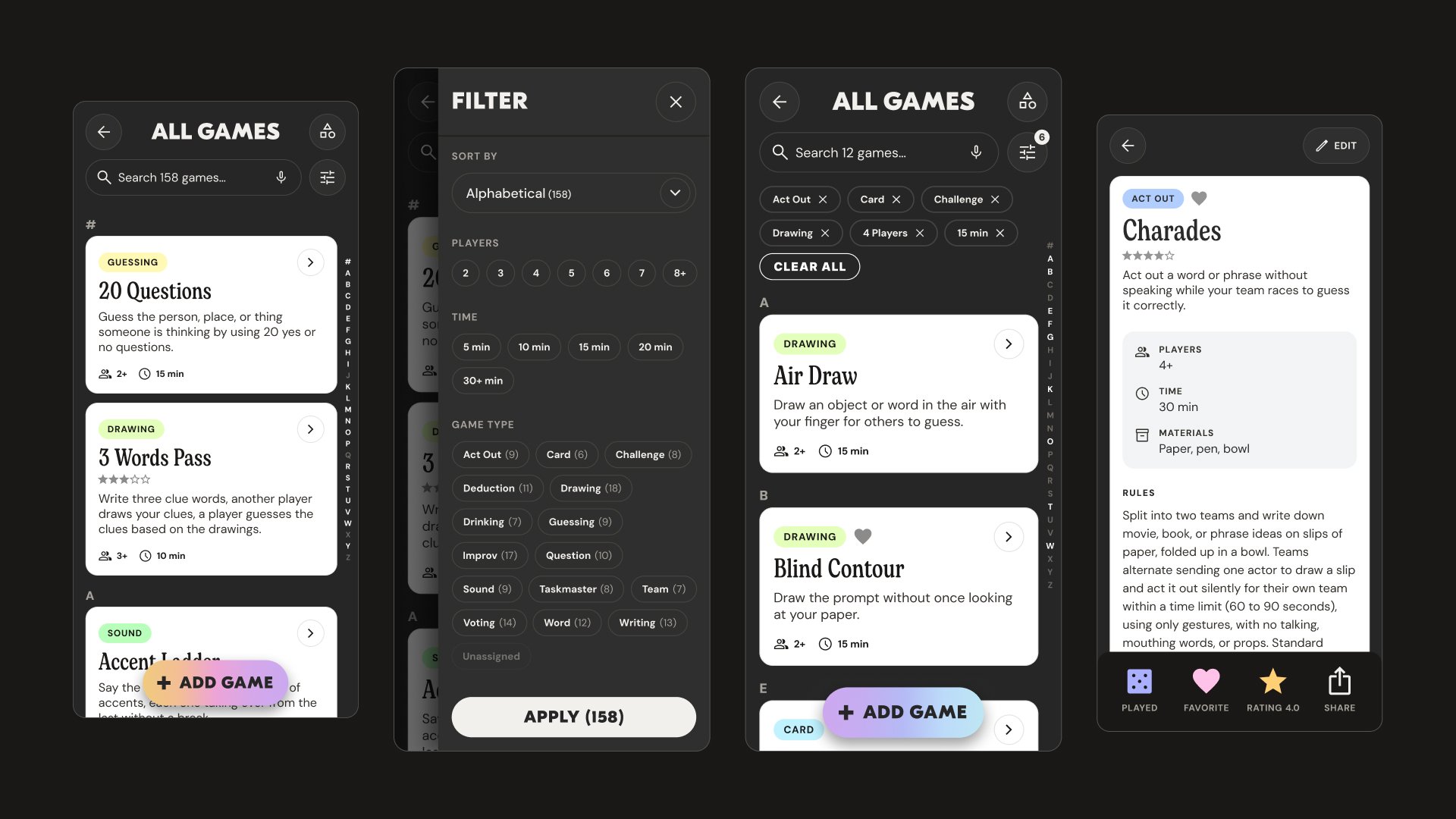
Every game type carries its own color, typography, and icon treatment. The system extends from the menu to the cards and page for easy recognizability.
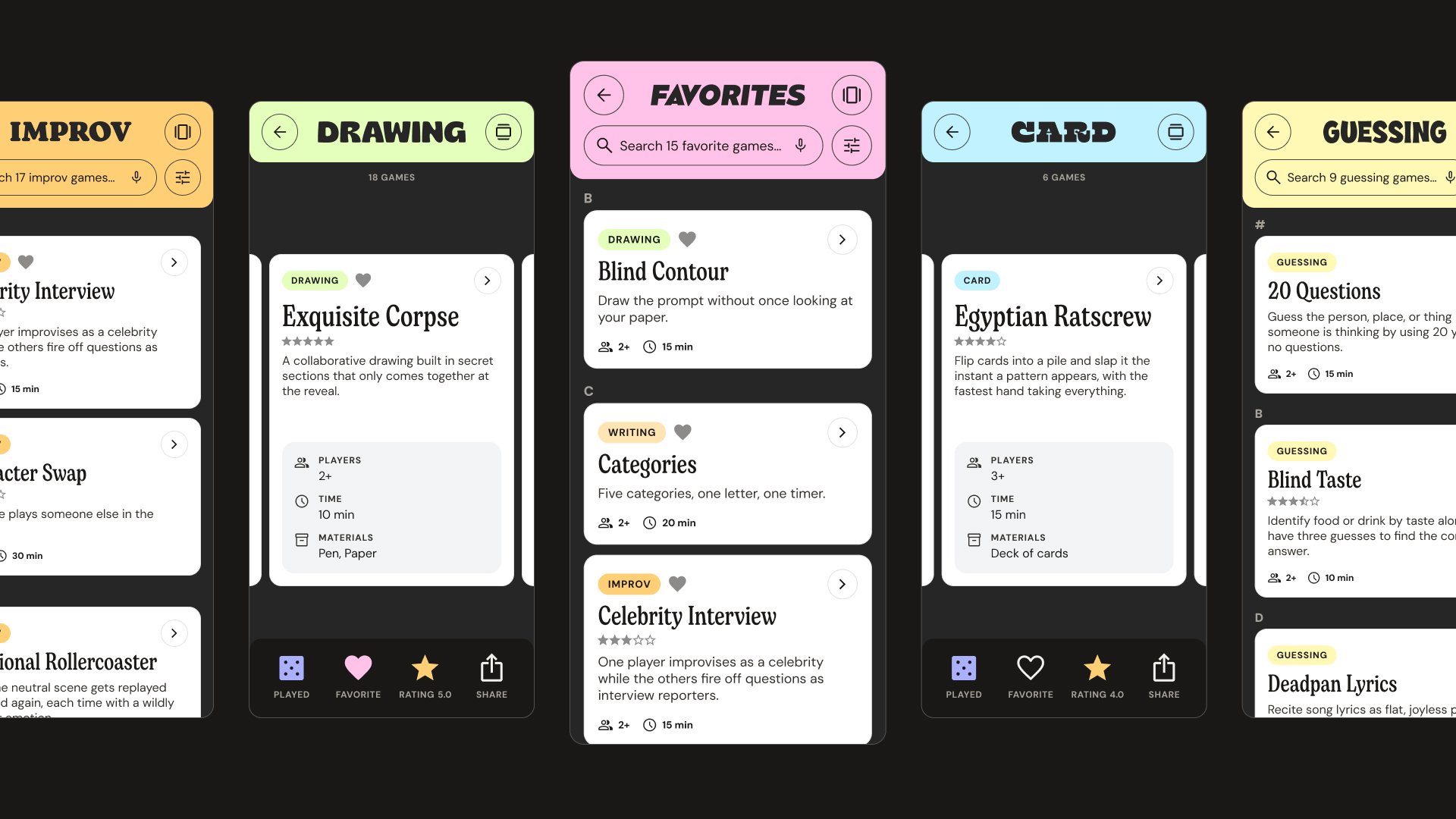
Game Filter Dead Ends
Users were filtering blind, guessing at what each filter option held. Now every filter carries its game count, filtering with confidence instead of dead end frustration.
User Testing
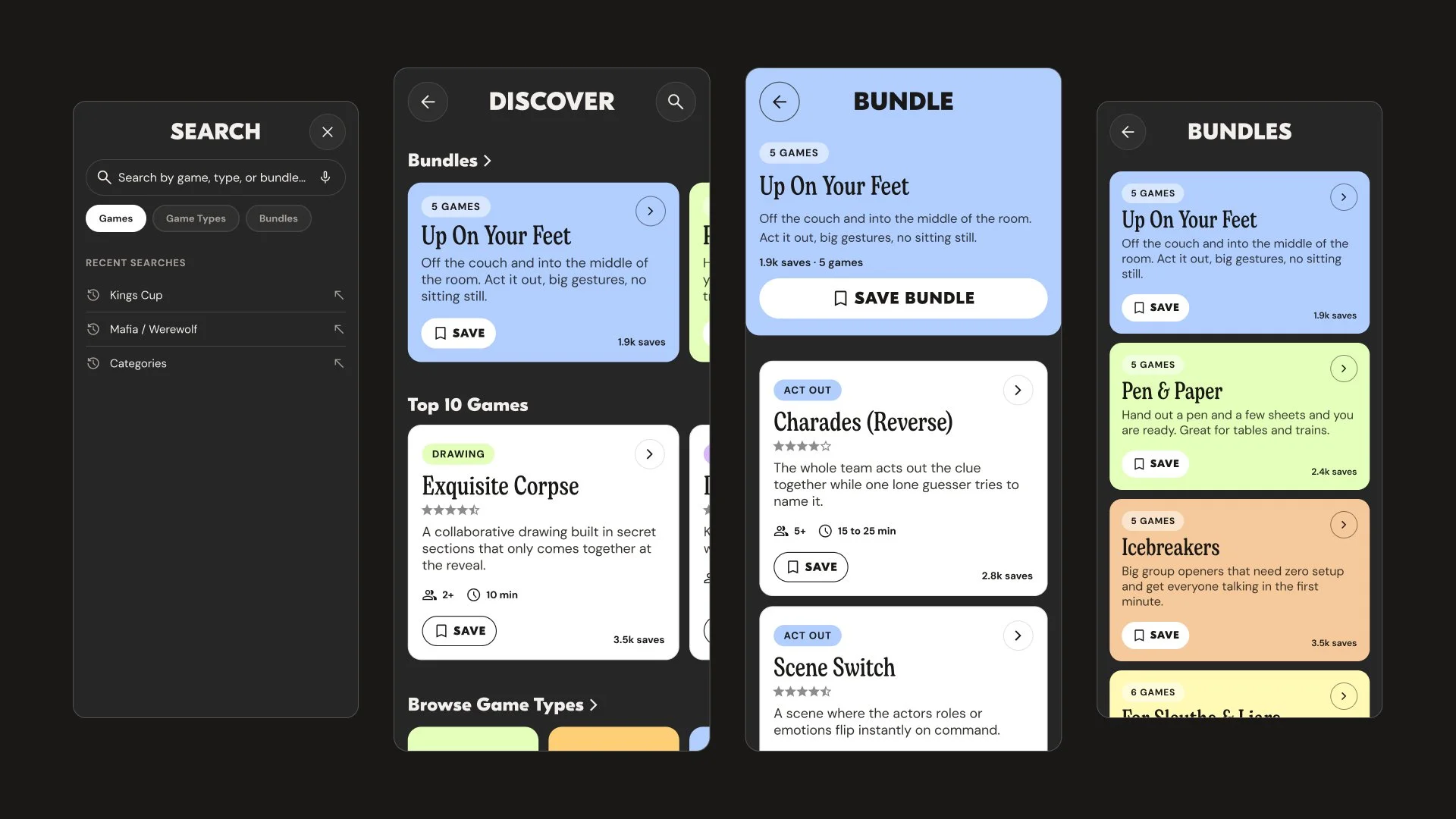
Nowhere To Discover New Games
The app initially shipped with 150 games. Players wanted to find new games to add to their collection.
"I’ve played through most of these games before. Where do I find new games?"
— Alex, Testing participant 6
User Feedback
“Game night is this Saturday and I found 5 new games to play.”
— Alex, Testing participant 6
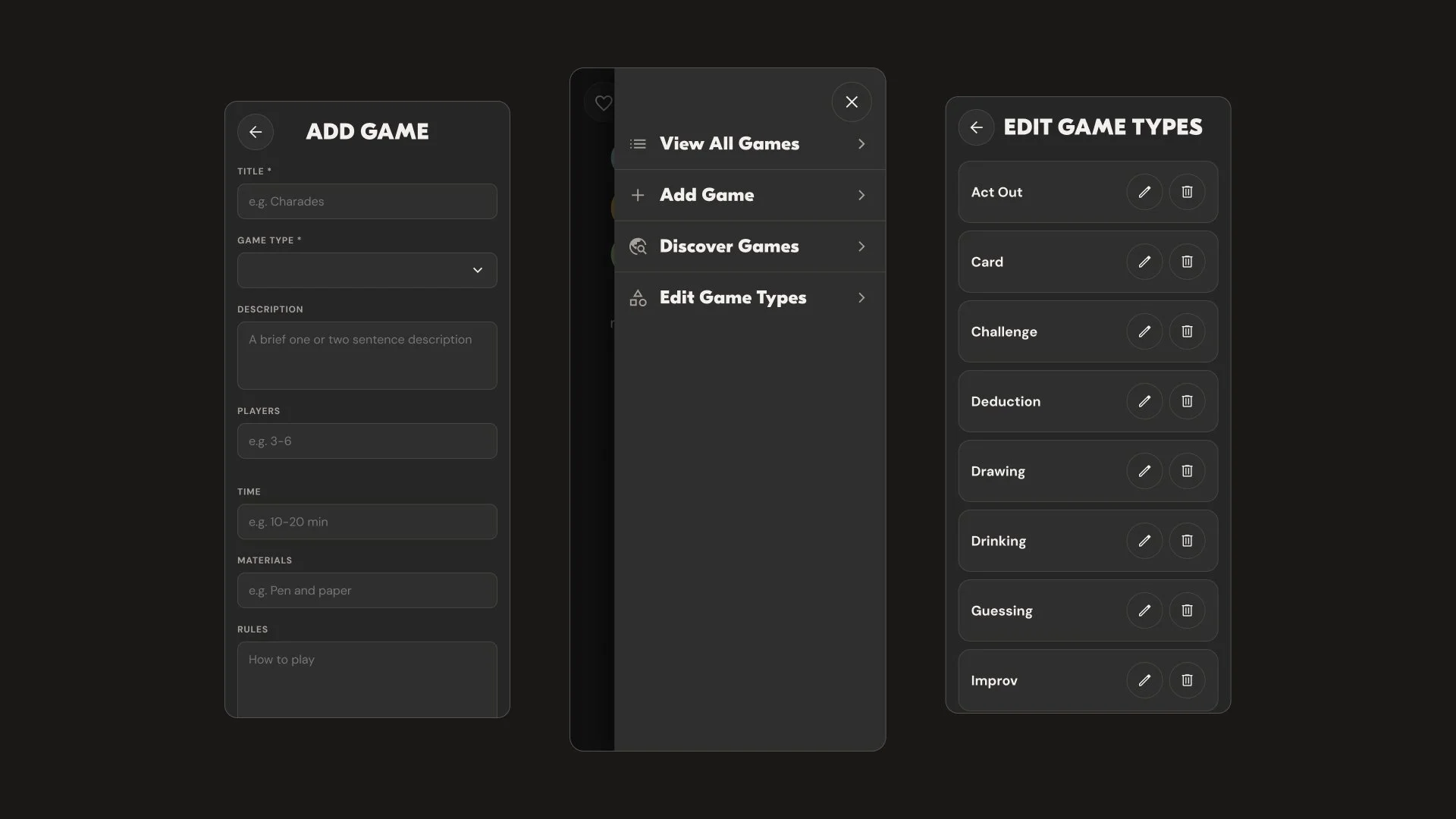
Keeping Navigation And Editing Simple
The navigation, adding games and editing types are not the headline features, but streamlining the user experience is necessary to avoid friction.
Conclusion
When The Design File
Is The Codebase
Building products with AI tools changes the design decisions I make. When the design file and the codebase are the same project, a note from user testing becomes a shipped change the same day. I can feel and fine-tune the interactions that make a product easier to use instead of handing off a spec. That's the AI-driven design workflow I'm bringing into client work.